Website security basics every small business owner should know
The practical steps that prevent most website hacks and data problems, from updates and passwords to backups, HTTPS and what to do if something goes wrong.
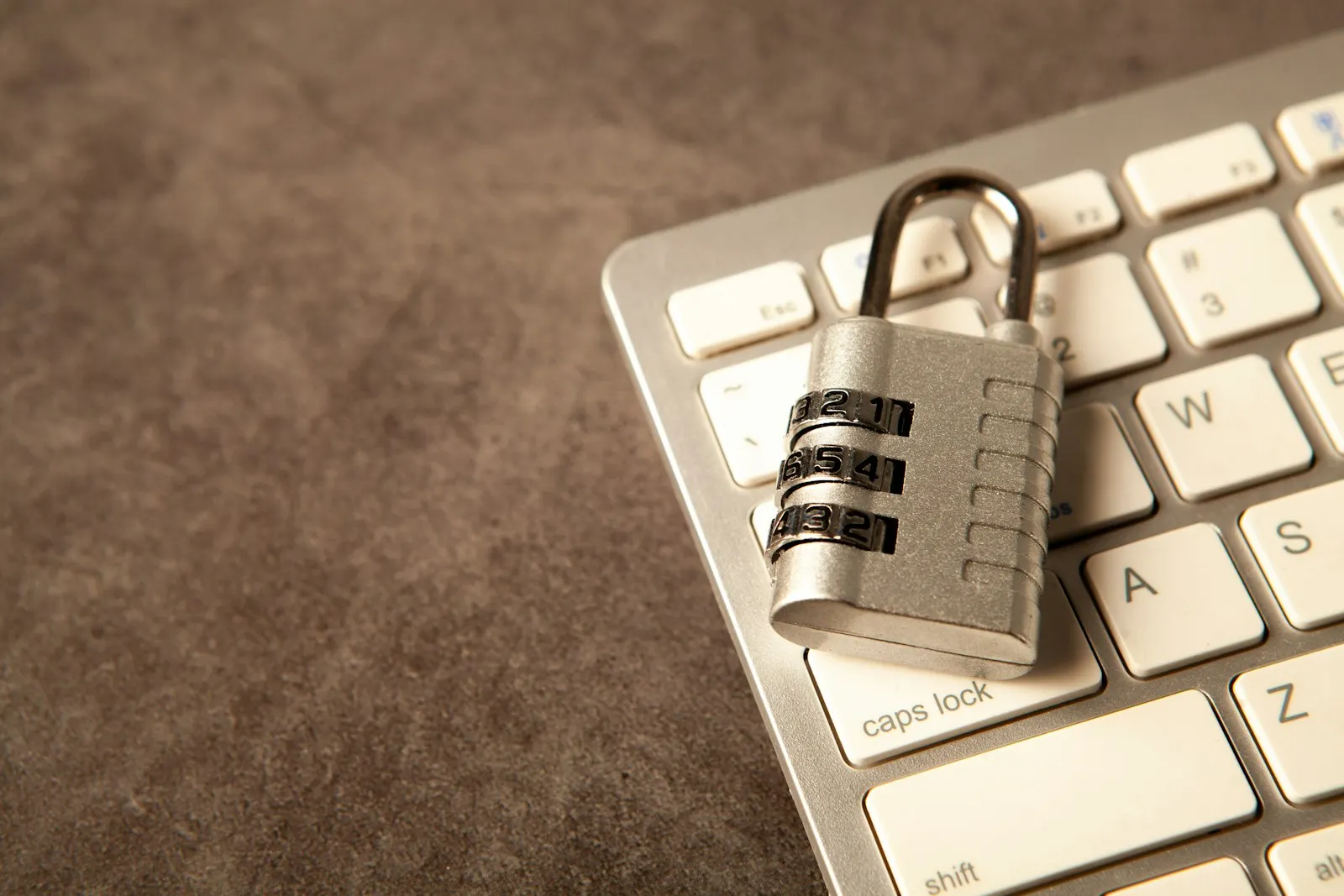
Many small business owners assume that hackers only target big companies with valuable data. In reality, most website attacks are automated. Bots scan the internet for known weaknesses, such as outdated software, weak passwords and exposed login pages, and attack whatever they find, regardless of who owns it. A small plumbing company’s site is as likely to be compromised as a bank’s if the door is left unlocked.
The good news is that most successful attacks exploit basic, preventable mistakes. You do not need a security team to protect your business; you need a handful of disciplined habits and a trustworthy partner. This guide explains the essentials in plain language: what the main risks are, what to do about them and how to respond if something goes wrong.
Why website security matters
A compromised site can hurt you in several ways.
Lost customers and revenue. If your site goes down, displays spam or redirects visitors to malicious pages, customers cannot reach you, and many will not come back.
Damaged reputation. Browsers and search engines warn visitors about dangerous sites, which erodes trust quickly.
Search visibility. Google can flag or remove infected sites from results, and recovery can take time.
Data exposure. If your site stores customer information such as names, emails, phone numbers or orders, a breach creates obligations and potential harm. In Canada, privacy laws such as PIPEDA, and provincial equivalents, set expectations for protecting personal information and reporting serious breaches. Requirements depend on your situation, so check what applies to you.
Cleanup cost. Removing malware, restoring services and rebuilding trust cost far more than prevention.
The most common ways sites get compromised
Understanding the typical causes helps you focus on what matters.
- Outdated software. Content management systems, themes, plugins and server software have vulnerabilities discovered regularly. Attackers target known flaws in versions that have not been patched.
- Weak or reused passwords. Passwords that are short, common or reused across services are easily guessed or taken from other breaches and tried against your login.
- Compromised accounts. A stolen email, hosting or admin password gives attackers direct access.
- Insecure plugins and themes. Abandoned, pirated or poorly written extensions are a frequent entry point.
- Poorly configured hosting. Weak server settings, shared environments without isolation and exposed files increase risk.
- Vulnerable forms and inputs. Sites that do not properly validate user input may be open to attacks like injection.
- Phishing and social engineering. Attackers trick staff into revealing credentials or installing malware.
- Missing backups. Not an attack vector, but it turns an incident into a disaster.
Keep everything updated
If you do one thing, do this. Apply security updates to your platform, themes, plugins and any other software promptly. Enable automatic updates for minor and security releases where they are reliable, and schedule regular reviews for major ones, preferably tested on a staging copy first.
Remove what you do not use. Inactive plugins and themes still contain code that can be exploited. Delete them rather than just deactivating. Replace extensions that are no longer maintained with supported alternatives. Avoid downloading premium plugins or themes from unofficial sources; “free” pirated versions are often loaded with malware.
If your site is built with a modern static or pre-rendered approach, you have a much smaller attack surface, since there is no database or login on the public site to attack. That is one reason we like that approach for many brochure-style business sites.
Use strong, unique passwords and a password manager
Every account related to your website should have a long, unique password: hosting, domain registrar, content management admin, email, FTP or SSH and any third-party services. Length beats cleverness; a passphrase of several random words is better than a short complex string.
A password manager makes this practical. It generates and stores strong passwords so you only need to remember one master password. Choose a reputable one, protect it with a strong master password and two-factor authentication.
Do not share passwords by email or chat. Give team members their own accounts with appropriate permissions rather than a shared login, so you can revoke access individually.
Turn on two-factor authentication
Two-factor authentication, or 2FA, requires a second proof of identity in addition to a password, such as a code from an app or a hardware key. Even if someone steals your password, they cannot log in without the second factor.
Enable it on everything that supports it: your hosting control panel, domain registrar, CMS, email, Google account, payment processors and social media. Authenticator apps and hardware keys are more secure than text messages, though any 2FA is far better than none.
Limit access and permissions
Apply the principle of least privilege: people should have only the access they need. A staff member who posts blog articles does not need administrator rights. Review user accounts regularly and remove those belonging to former employees, contractors or agencies.
Rename or restrict default admin accounts where possible, and limit login attempts to slow down brute-force guessing. Consider restricting admin access by IP address or placing it behind an extra layer of protection if your platform allows.
Use HTTPS everywhere
HTTPS encrypts the connection between your visitors and your site, preventing eavesdropping and tampering. It is also expected by browsers, which mark non-HTTPS pages as “not secure,” and it is a minor ranking signal. Most hosts provide free certificates through services such as Let’s Encrypt.
Make sure the whole site uses HTTPS, redirecting all HTTP requests to the secure version, and that no pages load insecure content. Enable HTTP Strict Transport Security, known as HSTS, once you are confident everything works. Renew certificates automatically so they do not expire unnoticed.
Add security headers
Security headers are instructions your server sends to browsers that reduce certain attacks. Common ones include:
- Content-Security-Policy, which restricts where scripts and other resources can load from.
- X-Content-Type-Options, which prevents browsers from guessing file types.
- X-Frame-Options or frame-ancestors, which stops your site being embedded in malicious frames.
- Referrer-Policy, which controls how much information is passed to other sites.
- Permissions-Policy, which limits access to browser features.
A developer can add these in your server configuration, and tools like securityheaders.com can show how your site currently scores. Implement them carefully, because an overly strict policy can break legitimate functionality.
Back up regularly and test the restores
Backups are your safety net against hacks, mistakes and hardware failures. A good backup strategy follows a few principles:
- Automate it. Manual backups get forgotten.
- Keep copies off-site, separate from your hosting account, so an attack on the server does not destroy the backups too.
- Keep several versions, not just the latest, in case a problem goes unnoticed for a few days.
- Back up everything that matters: files, databases, configuration and uploaded media.
- Test restoring. A backup you have never restored is a hope, not a plan.
Know who is responsible for backups, how often they run and how quickly you could be back online.
Protect your forms and data
If you collect information through forms, treat it carefully.
- Collect only what you need.
- Use server-side validation and sanitization, not just checks in the browser.
- Protect against spam and abuse with measures such as honeypot fields, rate limiting or invisible challenges.
- Store sensitive data securely, encrypted where appropriate, and limit who can access it.
- Do not email sensitive information in plain text.
- Retain data only as long as you need it, and delete it securely afterward.
- Publish a clear privacy policy explaining what you collect and why.
If you use third-party services for forms, payments or email, check their security practices and use their official integrations.
Choose hosting carefully
Your host is part of your security. Look for providers that offer:
- Regular server patching and malware scanning.
- Isolated accounts so one compromised site does not affect others.
- A web application firewall or other protective layers.
- Automated backups and easy restoration.
- Reliable support with prompt response to incidents.
- Up-to-date versions of PHP, databases and other software.
Very cheap shared hosting with many crowded accounts can be a risk. Match the hosting to the value and sensitivity of your site.
Monitor and scan
Security is not set-and-forget. Put basic monitoring in place:
- Uptime monitoring that alerts you if the site goes down.
- Malware and vulnerability scanning, either through your host or a dedicated service.
- Change detection for critical files.
- Log review for unusual activity, such as repeated failed logins.
- Google Search Console, which can warn you about security issues and hacked content.
- Alerts for new admin users or changes to important settings.
Early detection limits the damage.
Train yourself and your team
Technology only goes so far; people are often the weakest link. Teach staff to recognize phishing emails, suspicious links and requests for credentials. Encourage them to verify unusual requests through another channel, such as a phone call. Use work accounts, not personal ones, for business tools. Lock devices, keep them updated and avoid using public Wi-Fi for sensitive tasks without protection.
Create a simple policy on passwords, 2FA, device security and what to do if something seems wrong. Make it easy to report mistakes without blame, since quick reporting prevents bigger problems.
Be careful with third-party code
Every external script, widget, font, tracker or embed adds risk and weight. Use only what you need, from trusted providers, and review them periodically. Where possible, host critical assets yourself or use integrity checks. Remove tools you no longer use.
What to do if your site is hacked
Despite precautions, incidents happen. Have a plan.
- Stay calm and act quickly. Do not ignore warning signs like unexpected redirects, spam pages, unfamiliar admin users or browser warnings.
- Contain it. Consider taking the site offline or into maintenance mode to protect visitors.
- Contact your host and developer for help. Hosts often have tools and logs.
- Change all passwords for hosting, CMS, database, email and other connected accounts, and enable 2FA.
- Restore from a clean backup, if available, from before the compromise.
- Find and fix the cause, such as an outdated plugin or stolen credential, or the attacker will return.
- Clean and update all software, and remove unknown files and users.
- Check search and browser warnings, and request a review once the site is clean.
- Assess data exposure. If personal information may have been affected, consider your legal obligations to notify those affected and regulators, and seek professional advice.
- Learn and improve. Document what happened and strengthen your defences.
A practical security checklist
- All software, themes and plugins updated; unused ones removed.
- Strong unique passwords stored in a password manager.
- Two-factor authentication on all key accounts.
- User accounts limited by role; former users removed.
- HTTPS enforced, with automatic certificate renewal.
- Security headers configured.
- Automated, off-site, tested backups.
- Forms validated and protected against spam.
- Reputable, well-maintained hosting.
- Monitoring and scanning in place.
- Staff trained and a simple response plan ready.
Final thoughts
Website security is mostly about discipline rather than sophistication. Keep things updated, protect accounts, limit access, back up reliably and watch for problems. Choose technology and partners that minimize the attack surface and respond quickly when something goes wrong. If you would like us to review your website’s security posture or set up maintenance and monitoring, we would be glad to help.